Case Study · Columbia S-Bye Lab
Outreach — redesigning school-parent communication from the ground up
A UX design project building a platform where parents can join live forums, share feedback, and access school policy documents — replacing fragmented email chains and opaque decision-making with structured, accessible dialogue.
The problem
- Parents had no structured way to engage in school policy decisions
- Communication was scattered across emails, PDFs, and one-way announcements
- Low trust between parents and school administration
- No visibility into discussion outcomes or document history
Our solution
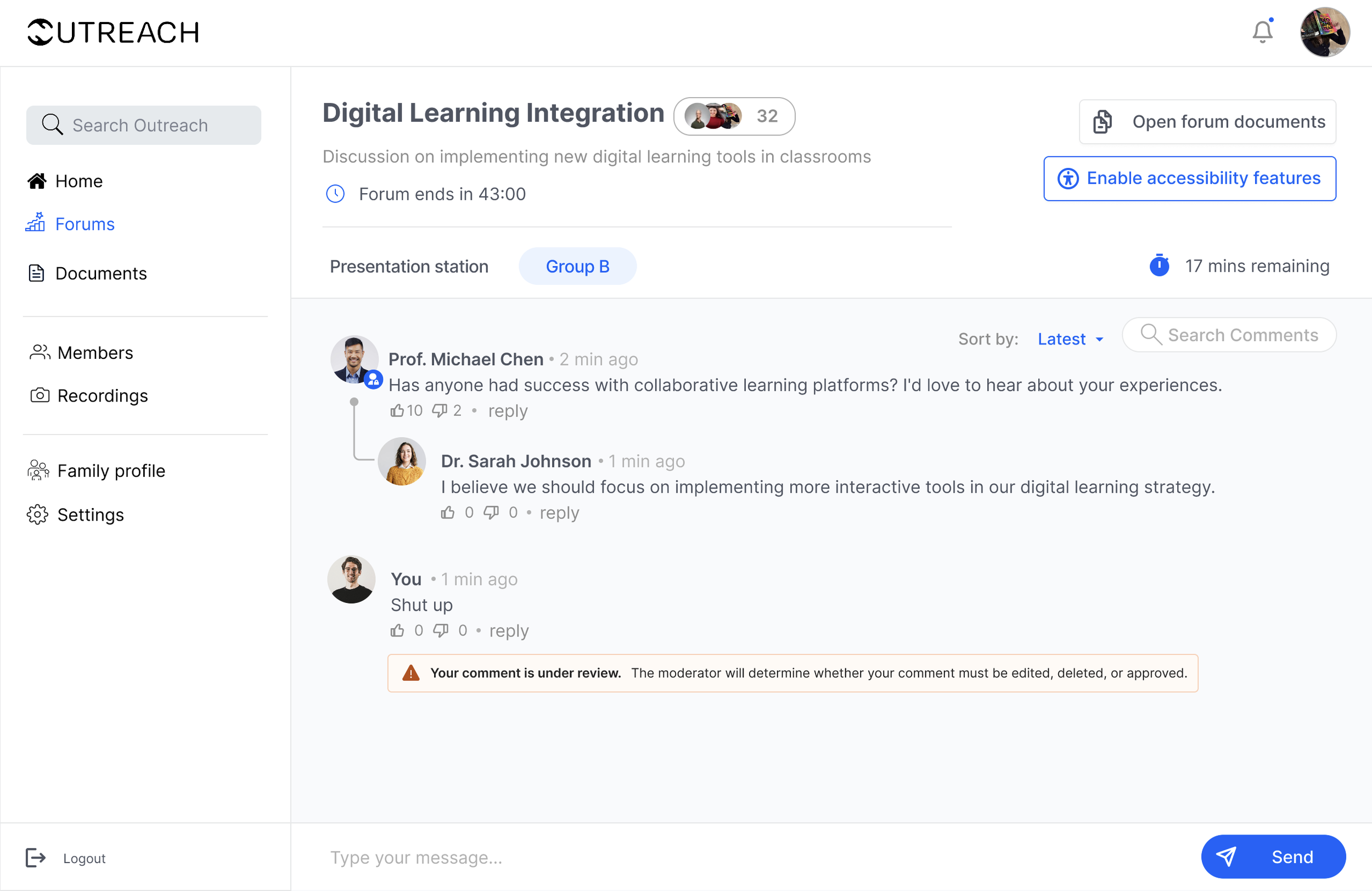
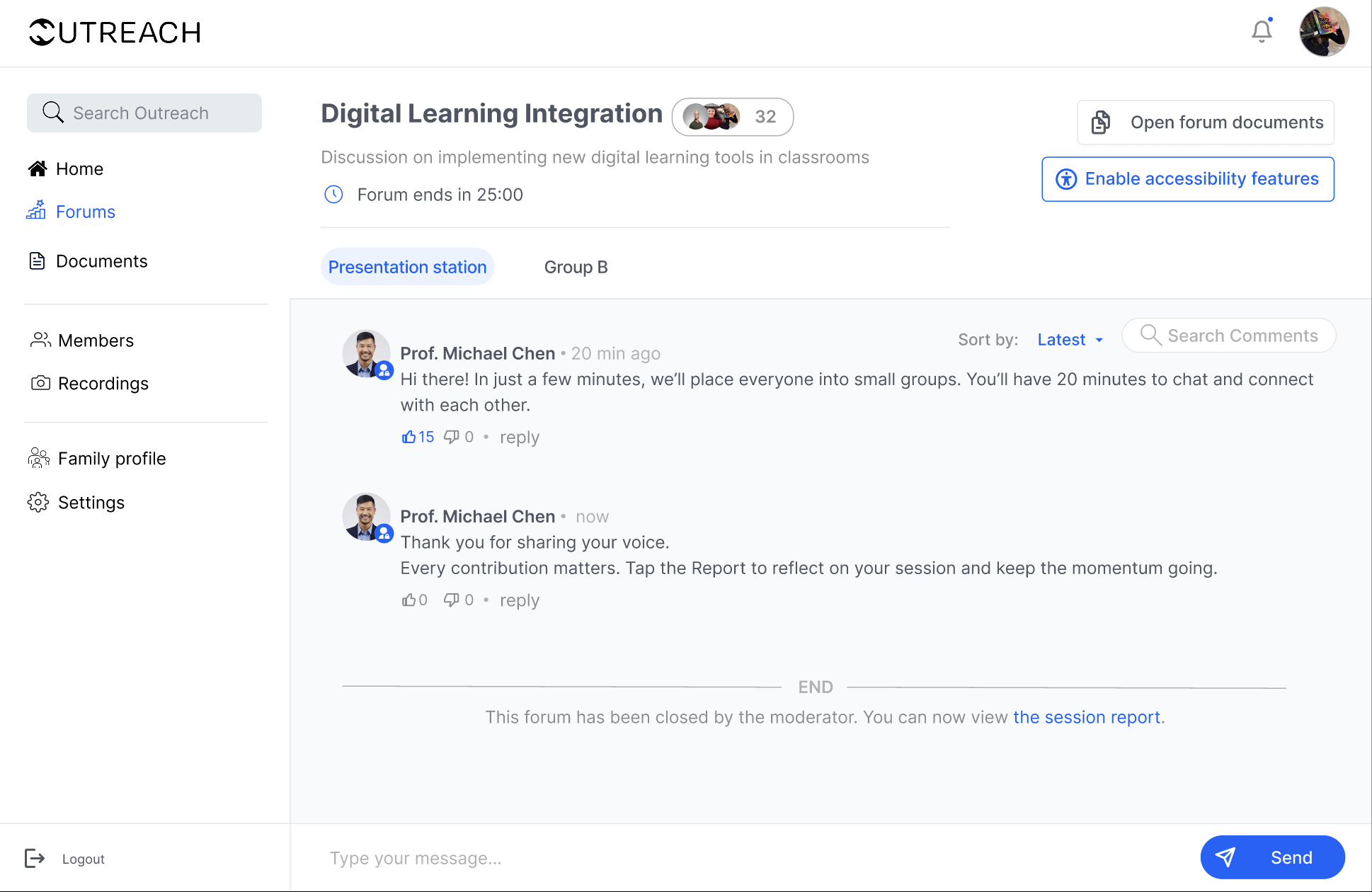
- Live moderated forums where parents join, discuss, and vote
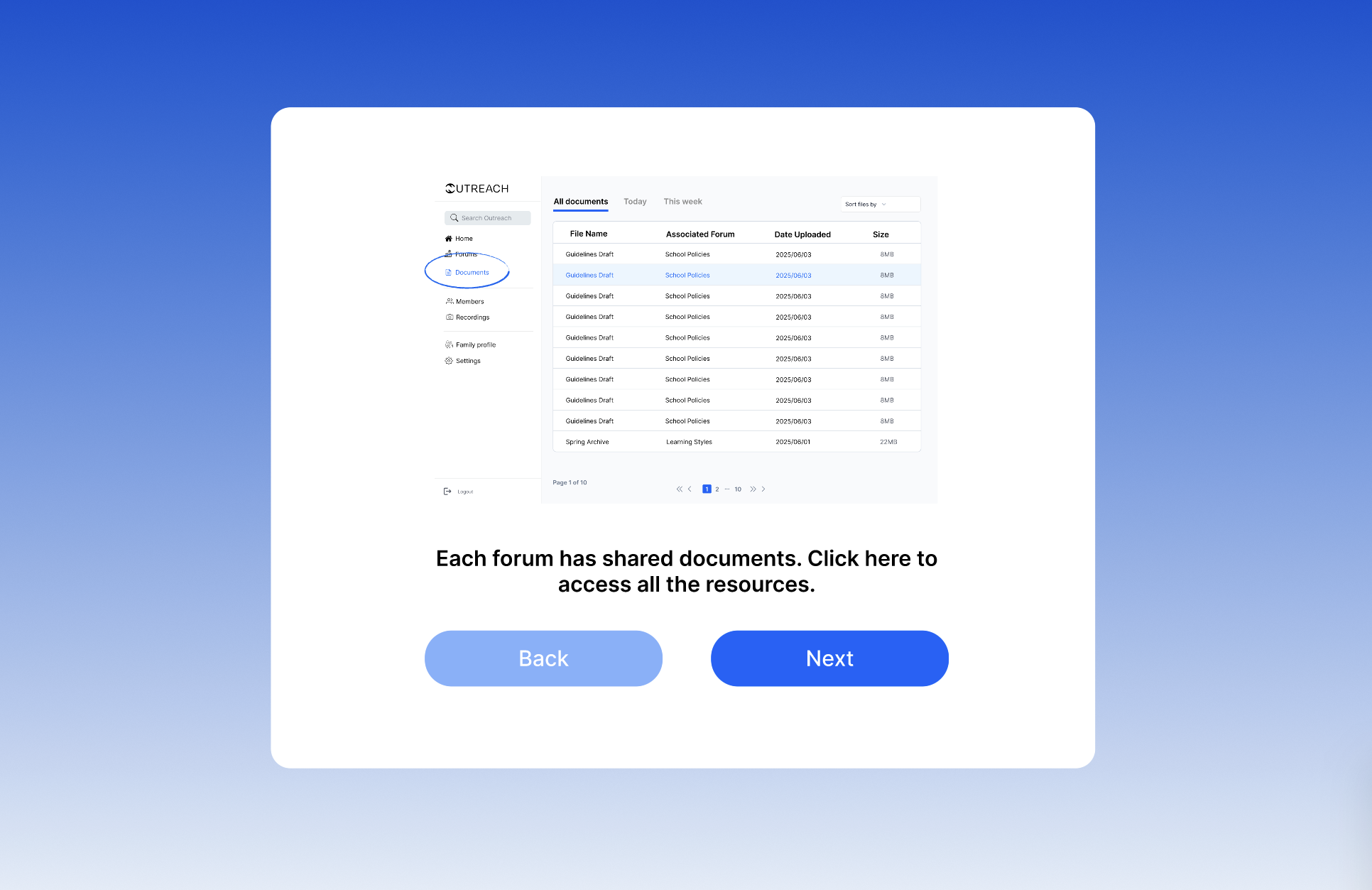
- Centralized document hub tied to specific forum topics
- AI-flagged message moderation to keep discussions constructive
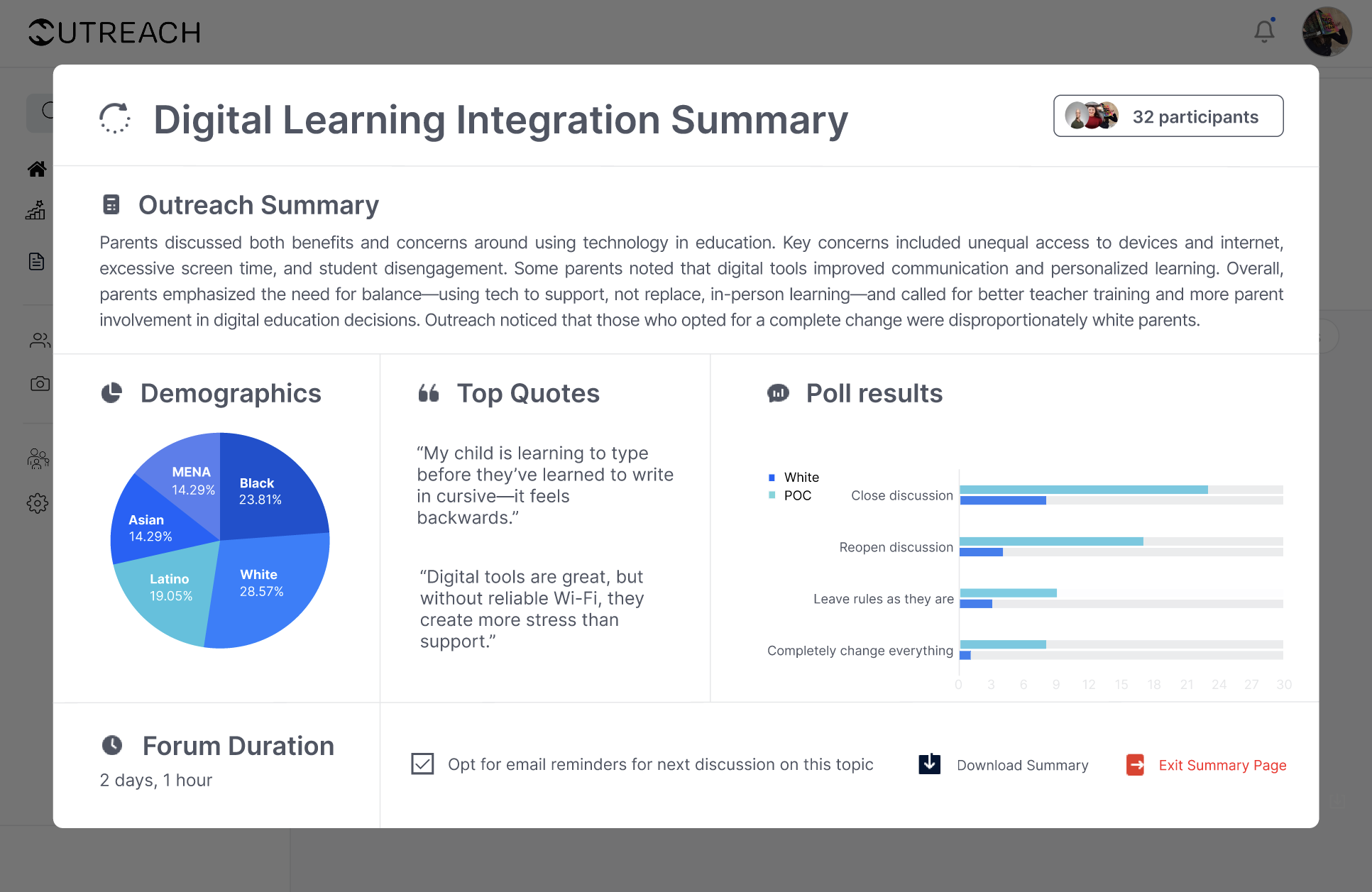
- Post-forum summaries automatically sent to all participants
My responsibilities
- End-to-end prototype in Figma and Figma Make
- Onboarding, dashboards, live forums, chats, and settings flows
- Built and maintained the design system
- Worked with PM and stakeholders on usability and accessibility
Process
- Research — Interviews with parents and staff, uncovering low trust and unclear communication
- Design — Simple onboarding, clear topic categories, centralized document hub
- Testing — Iterated to reduce clutter, added quick forum summaries, improved mobile usability
The participant flow
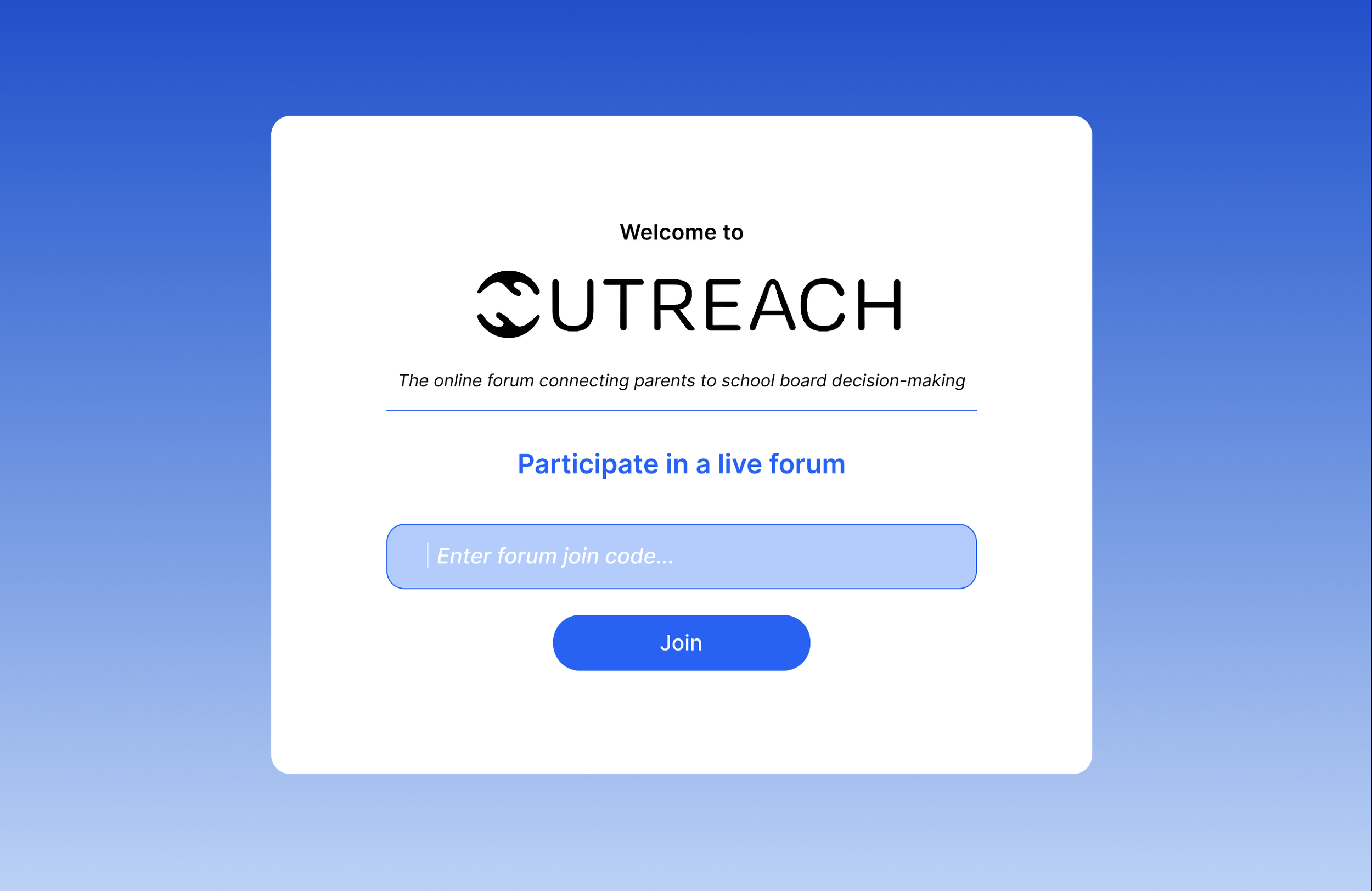
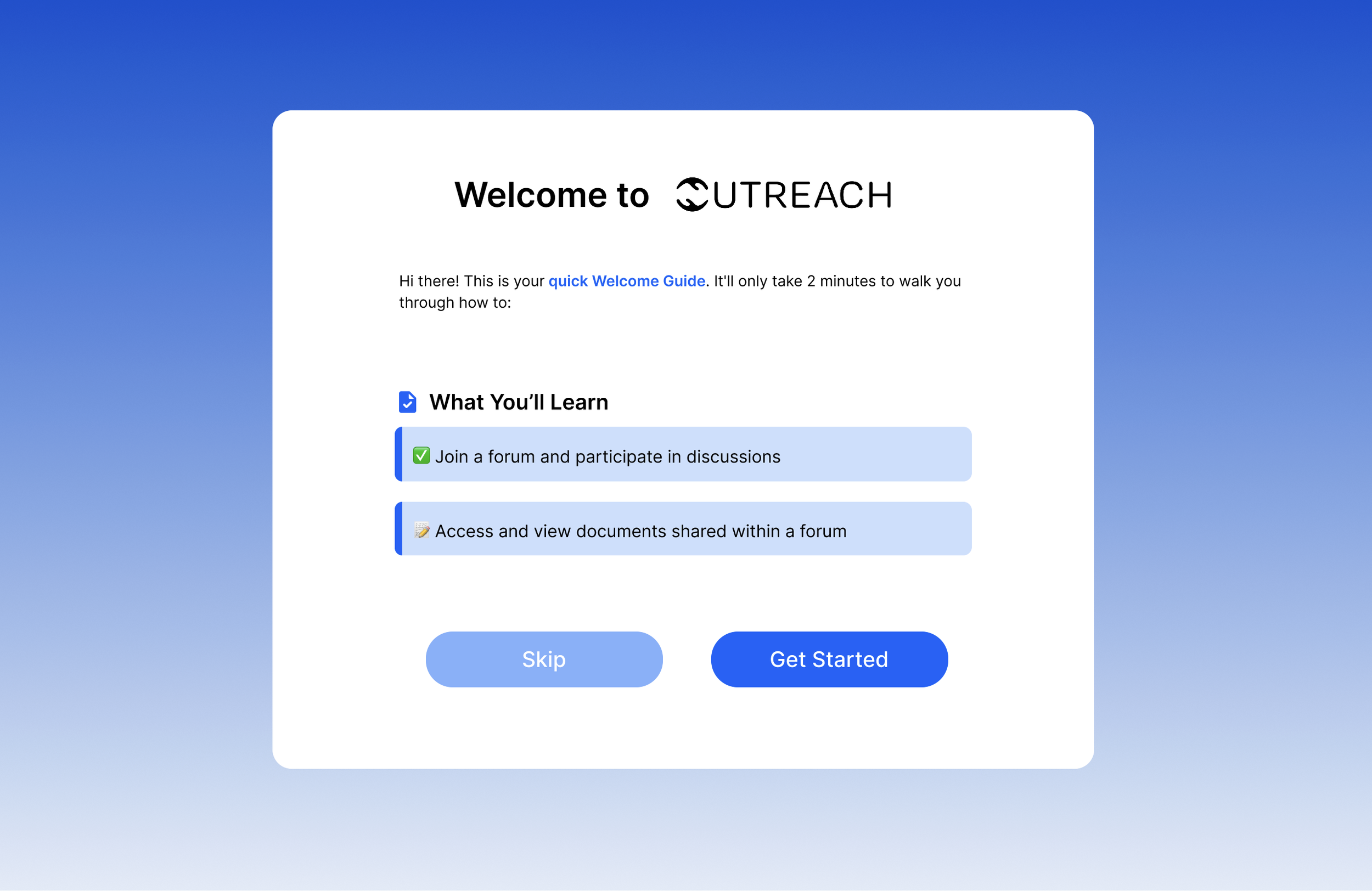
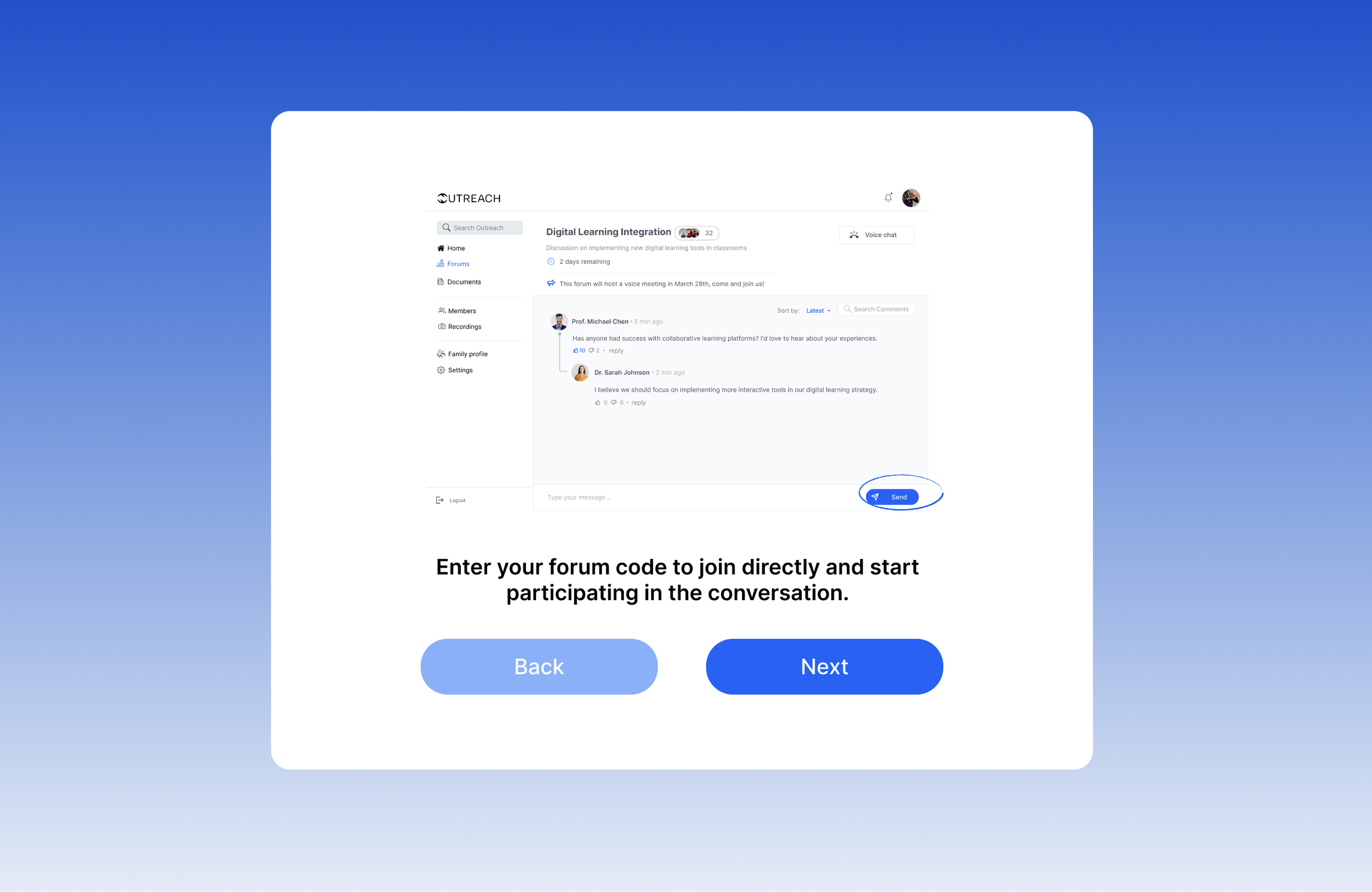
Design System
Color tokens
A focused 3-color core palette — blue drives all interactive UI, neutrals handle content hierarchy and surfaces.
Primary Blue
#2563EB
Actions · Links · UI
Highlight
#DBEAFE
Selected · Hover
Ink
#111827
Primary text
Secondary text
#6B7280
Meta · Captions
Surface
#F3F4F6
Page background
White
#FFFFFF
Cards · Panels
Extended
System Purple — Figma component annotations only
Alert Orange — Groups needing moderator help
Destructive Red — End forum / delete actions
Design System
Type scale
Single sans-serif family across all weights — designed for readability in a parent-facing platform.
H1
Forum Title
30px · 700
H2
Section Heading
22px · 700
H3
Group Size Controls
17px · 600
Body
Our system will automatically divide participants into groups.
15px · 400
Small
07/03/2025 · 8:00 PM · Grade 6–8 Parents
13px · 400
Label
Component label
11px · 600 · UC
Design System
Component library
9 major components across the platform — from document management to moderator tools and participant assignment.


